Overview
The Editor would be pretty useless if you could not have a listen to specific sections of a chapter.
Listening to selected text blocks
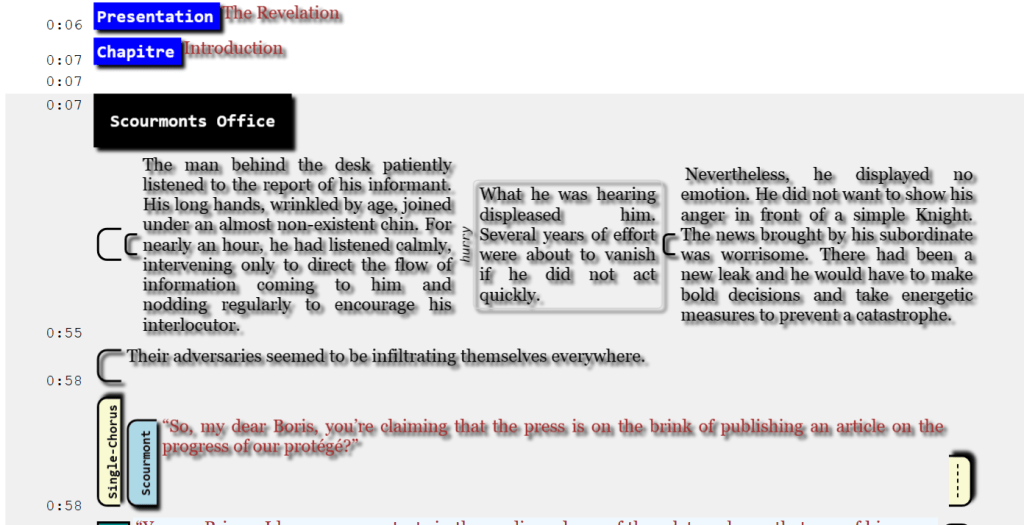
Selecting the following blocks would allow to listen to the seconds 7 to 58.
Always Include Scene
You can specify to always include the ambiance sounds regardless if a SCENE instruction is within the block. Note that the ambiance will start and end faded (if the “Always fade scenes” option is on) and start from the beginning, so it will necessarily be like the final result.

Listening to selected text
You can select a subset of the text from the narration or dialog and listen to it. If foleys or effects are applicable, they would be applied too. Scenes will not.

 Christian-Eric Falardeau