Overview
As was shown on the initial overview for the Editor, each block of text comes with a left “handle” that can be used to select a text block or an entire paragraph in the case of speech using emotions. The following selection was created by first selecting the block starting with “The man behind” and then Shift-Clicking on the insert “coins”. All the in-between blocks will then be selected.
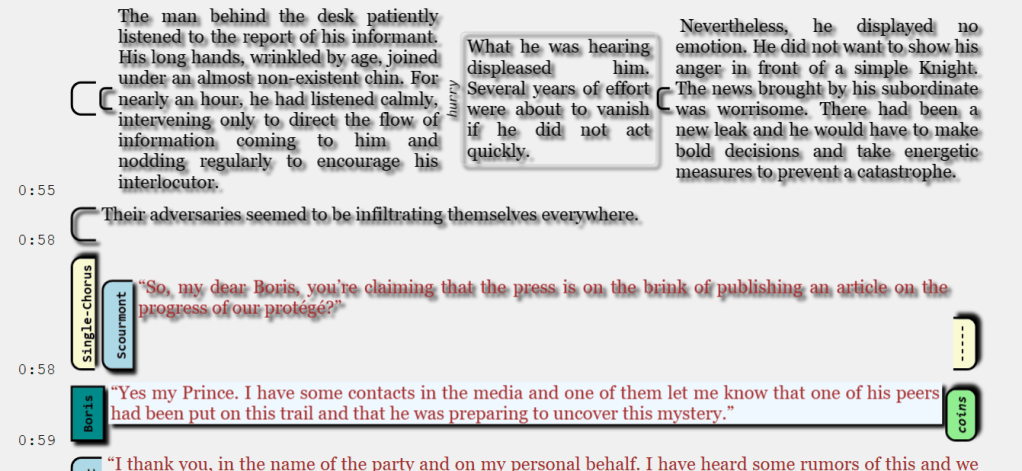
At this point, various options will be available to apply effects or foleys from the start to the end of the selection, or, in the current example, selecting “Clear” from the ribbon or Listen.
Characters and Others
Most characters and options are available on list of blocks, but many are limited due to the impossibility it presents.
Moving blocks
You can move blocks forward or backward using Tab and Shift-Tab when selected.
 Christian-Eric Falardeau