Overview
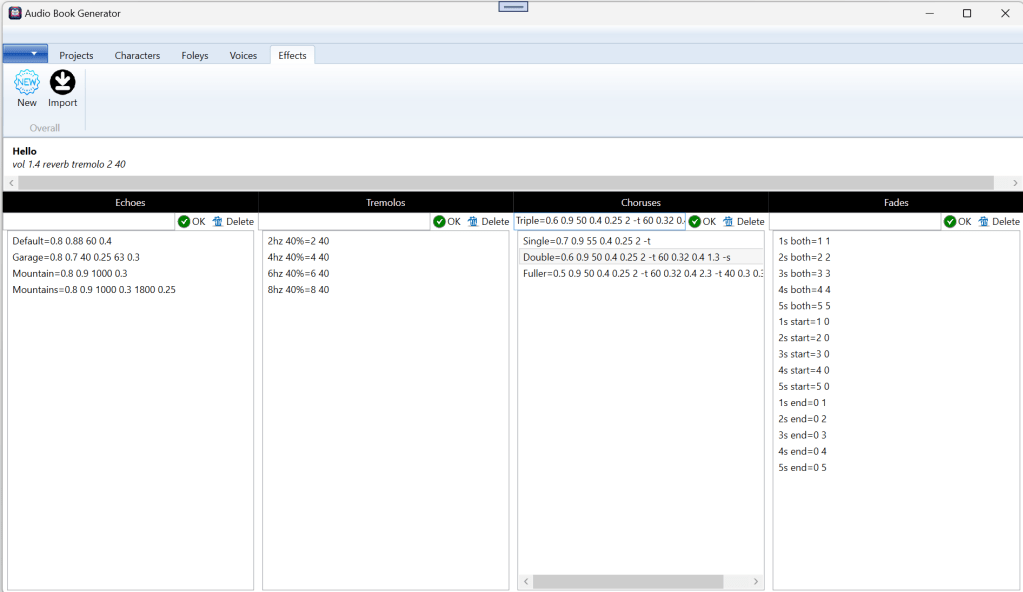
We already saw many aspects of Effects, but here is the full UI.
The Whole Picture in a Project
When a project is open, the Effects tab is split into two main areas. The top one contains all the Project-specific effects. The bottom segment allows to add, modify or delete the basic elements of the effects.
To add an effect, use the text box under the category and type “name”=”SoX parameters”. Please note that this is under your own peril if the entry is wrong.
You can create new effects (combination) or import from previous projects.
 Christian-Eric Falardeau