Overview
The A.B. Genesis user interface is largely based on a ribbon-model.
Language selection
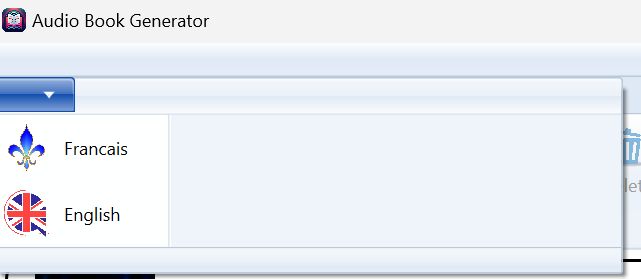
To change the language of operations (audio) of the application, you can click on the application menu and select the language. Note: this does not change the language of the user interface, at least not yet, but the set of voices accessible to define characters.
Project Selection
The Projects tab allows the interaction with the project lists and then with the files and content of a specific project. When no projects are open, here is a typical view.
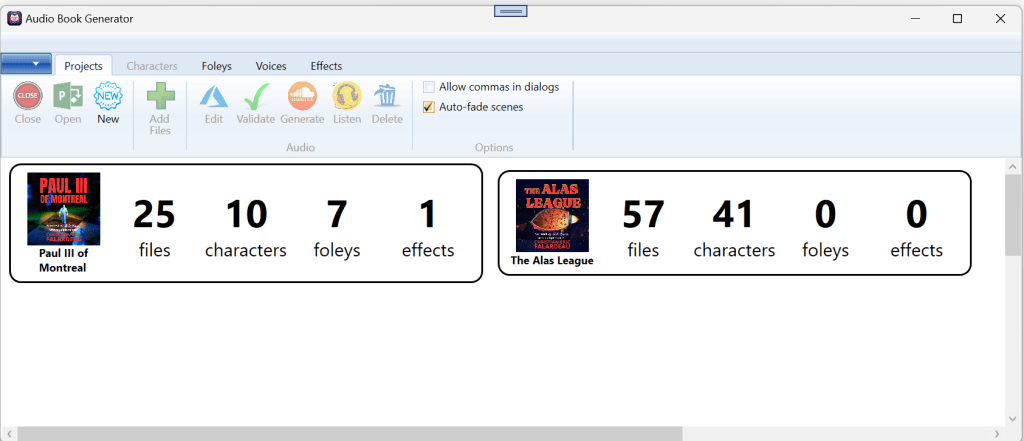
With the list of defined projects, we can see some of the operations available:
- Close (only available when a project is open)
- Open (available if a project is selected). The user can also double-click on a project to open.
- New (available if no projects are open) — See “Creating a New Project”
The entire “Audio” section is only available when a project is open. On the right, there are two global options available:
- Allow commas in dialog. When an author writes a dialog, it is typical that the speech pattern used is more literal than natural, especially with regards to commas. By default, A.B. Genesis removes commas is dialogs so that it sounds more natural.
- Auto-fade scenes. A.B. Genesis can automatically fades out a scene to prevent abrupt end of audio especially at the end of a chapter.
Creating a new project
Given the number of files and various actions required during a new project, creating a new project represents a significant undertaking.
TBC
Paul III of Montreal
As was done when we created the “Paul III of Montreal” project, the novel appears in its fundamental structure: 3 parts, 24 chapters and 1 introductions.
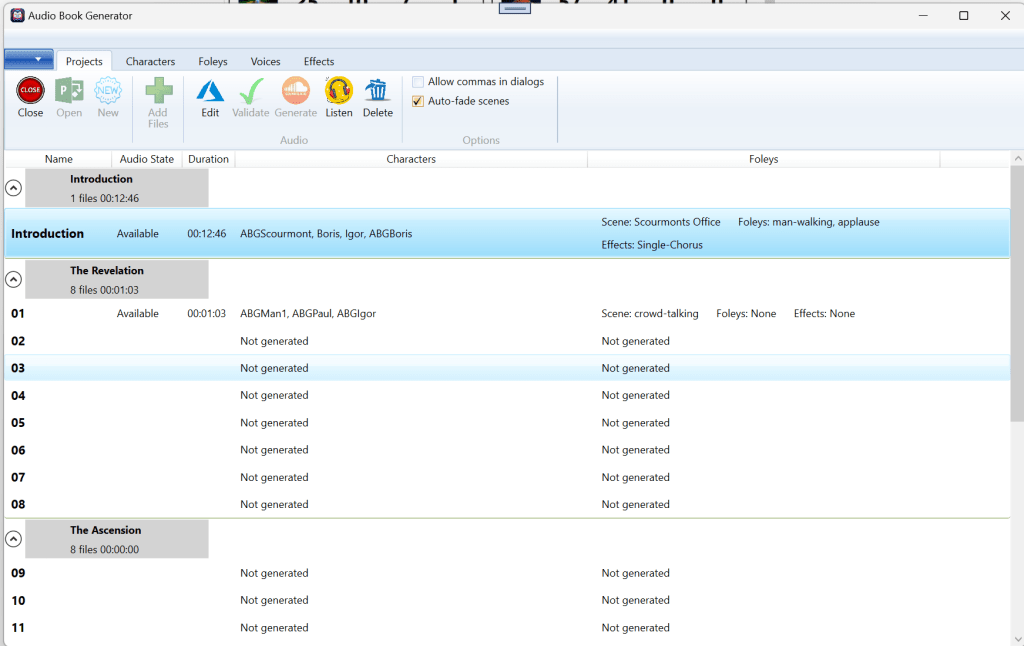
Each line represents a separate item in the novel. As you can see, the introduction has been successfully generated and is “available” (the other visible state is “old” indicating that the source file was modified since last generated).
The next columns for the Introduction provide high-level information for the user, but also for A.B. Genesis. The resulting audio file is 12:46, two characters are used (Scourmont and Boris), the ambiance music is the foley scene “Scourmont Office”, two foleys are used (man-walking and applause), and one effect “Single-Chorus”).
This also allows A.B. Genesis to flag audio as old if any of the elements (characters, foleys) have been modified since.
| Edit | This will bring up the file editor where a user can perform all the tasks required to prepare the files without using word. This will first “validate” the file. See AB Genesis – UI – Editor |
| Validate | This get A.B. Genesis to parse the file and extract all important information (characters used, effects, foleys… and report any errors). |
| Generate | This will first Validate the source file and, based on the resulting instructions, it will start generating all the intermediate files before putting them all together for the final product. See AB Genesis – UI – Generate |
| Listen | Starts the built in audio. In this case, audio controls will appear at the bottom of the screen |
| Delete | Deletes the generated audio file |
 Christian-Eric Falardeau